THE WRITTEN GUIDE
Follow the steps.
Use the video with the instructions below. All equipment actions described here refer to the simulator.
Read the motor nameplate
Open Level 4 and select Motor Nameplate Data. Read voltage, frequency, full-load current, rated speed and horsepower from the pictured motor. Do not substitute the drive’s current rating for the motor’s rating. Use Check Nameplate to confirm the entries against this specific exercise.
Match the I/O to the control task
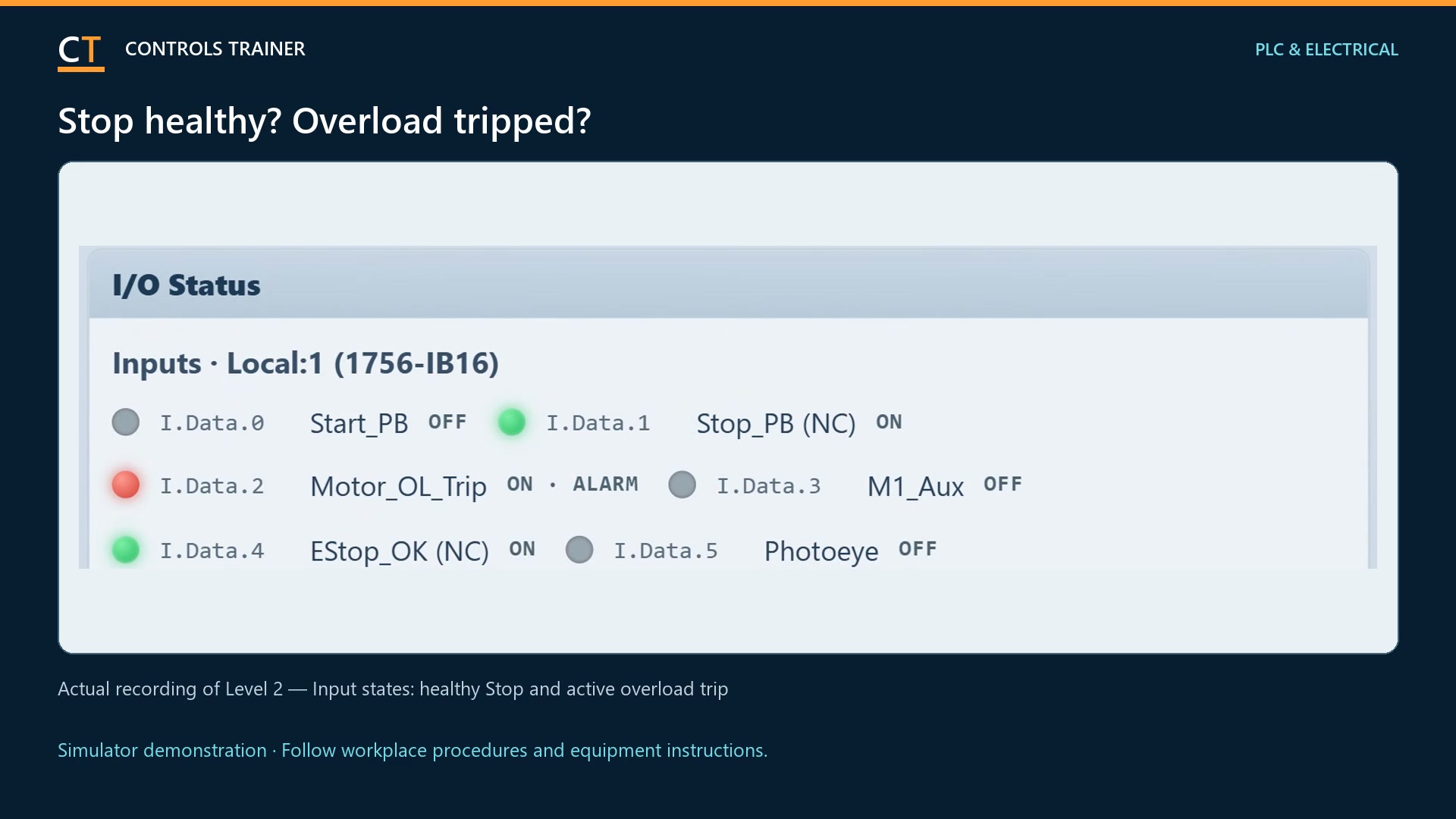
The work order requires Run and Fault Reset commands, a Ready input, and a 0–10 V speed reference. Configure the specified digital and analog modules. Check the required states on a connection fault or PROGRAM mode; a retained command is not always the desired response.
Complete isolation and control wiring
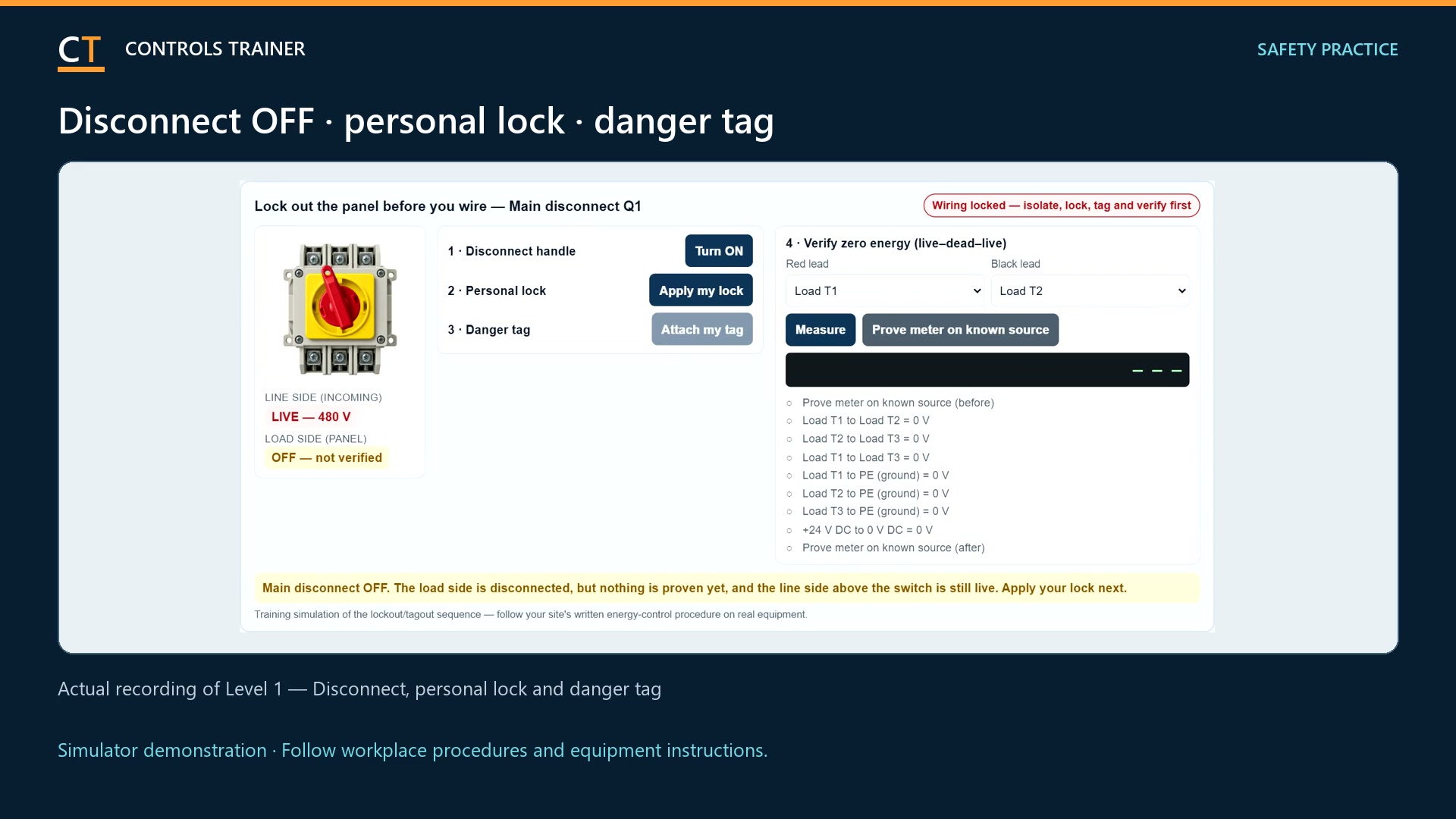
Use the lesson’s electrical isolation, drive-discharge and verification procedure before wiring. Follow the labeled terminals for commands, Ready feedback and analog signal/common. The exercise also uses two hardwired STO channels. A Stop command or STO operation does not isolate the drive’s incoming electrical supply.
Enter the drive parameters
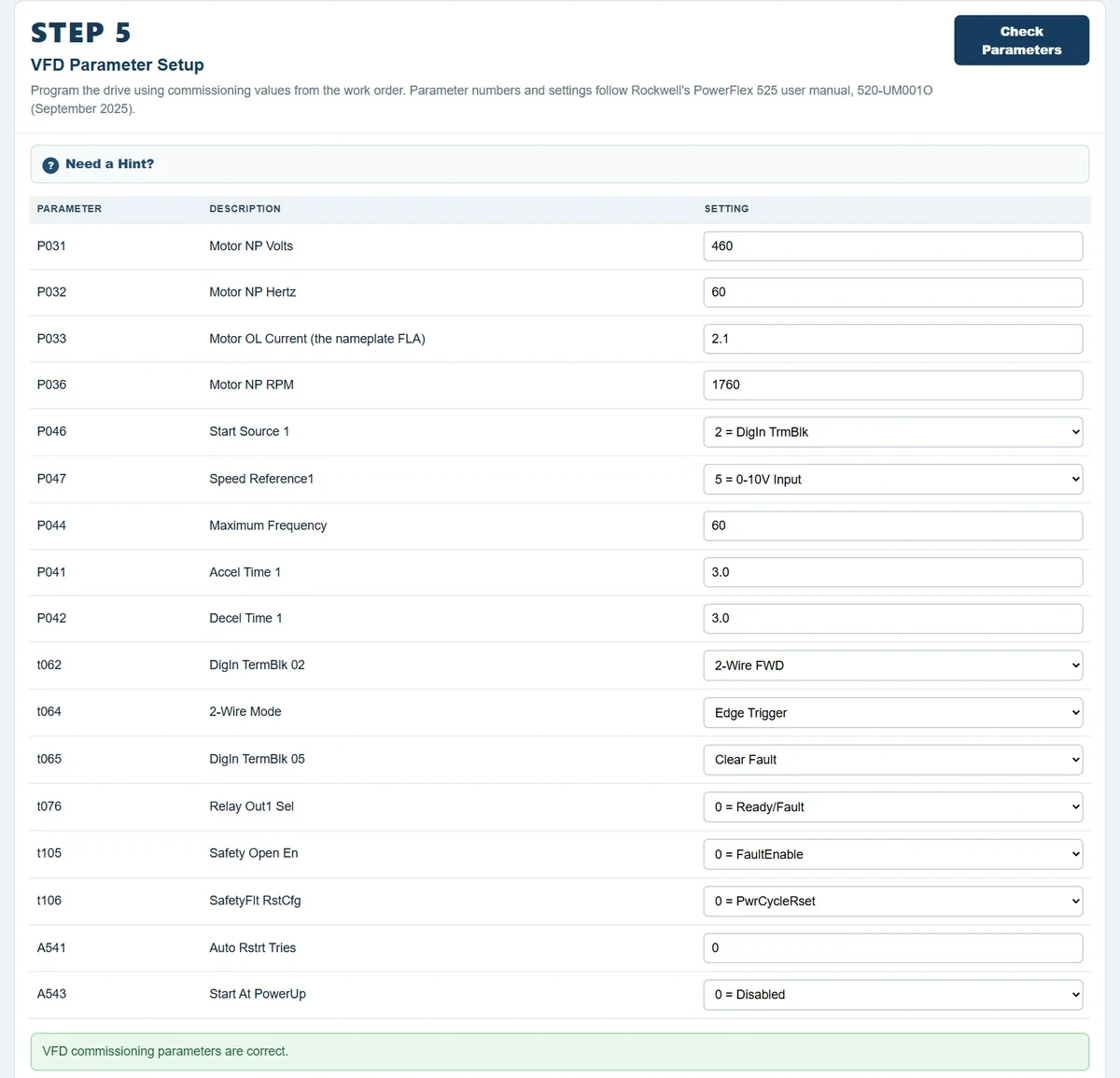
Copy the checked motor data into the corresponding drive settings. For this work order, the maximum conveyor frequency is 60 Hz and acceleration and deceleration are each 3.0 seconds. Select the required terminal command and analog-reference sources. These values belong to this exercise; they are not universal motor settings.
Distinguish a ramped stop from torque removal
Observe the lesson’s normal controlled stop and its STO response separately. The programmed deceleration ramp does not describe the coast after torque is removed. Read the drive indication and restart requirements rather than assuming every stop is the same.
Test commands, speed and recovery
Run the lesson commissioning checks. Verify a deliberate start, speed-reference response, normal stop, the specified fault reset and STO behavior. Confirm that clearing a fault or restoring power does not create an unintended start. Record the accepted settings before leaving the exercise.
A FEW USEFUL DISTINCTIONS
Common questions.
Which motor values belong in the VFD?
Use the actual motor nameplate values requested by the drive and lesson. Do not use another motor’s example values or the drive’s own maximum ratings.
Does STO make the drive electrically safe to touch?
No. STO concerns torque production; it is not supply isolation. The lesson separately teaches isolation, discharge waiting and voltage verification.
Are these settings suitable for every drive?
No. The tutorial demonstrates a particular simulated drive and conveyor work order. Real commissioning follows the applicable manufacturer instructions and machine requirements.
Read the full video transcript
VFD commissioning begins with the motor and the job, not a list of settings copied from another machine. This example uses the simulated conveyor in Level Four.
Open Motor Nameplate Data. Read the motor’s voltage, frequency, full-load current, speed, and horsepower. Enter those values and check them. The drive rating is not a substitute for the motor rating.
Review the control requirements. The PLC provides Run, Fault Reset, and a zero-to-ten-volt speed reference. The drive returns a Ready signal. Match the I/O configuration to those jobs.
Complete the lesson’s isolation, discharge wait, and voltage checks before wiring. Follow the command, feedback, analog, and hardwired STO terminal assignments.
Now enter the motor parameters and command sources. This particular work order calls for a maximum of sixty hertz, with three-second acceleration and deceleration. Those are exercise values, not universal settings.
Test speed response and normal stopping. Then distinguish the normal ramp from STO: removing torque allows the conveyor to coast. STO does not isolate the electrical supply.
Finally, check the required fault and restart behavior. A reset or power return must not create an unintended start.
Practice the complete drive-commissioning exercise in Controls Trainer Level Four. Use manufacturer instructions and approved machine procedures for real equipment.
Controls Trainer is an independent educational platform. These examples supplement equipment-specific instruction and practical evaluation. Completion is not OSHA certification, an electrical license, or authorization to work on equipment.