THE WRITTEN GUIDE
Follow the steps.
Use the video with the instructions below. All equipment actions described here refer to the simulator.
Start with the service call
Open Level 2 and read service call CT-401. The packaging conveyor stopped and will not restart. Read the operator terminal before choosing a replacement part. An alarm describes a condition the control system detected; it does not necessarily name the failed component.
Compare the alarm with the PLC inputs
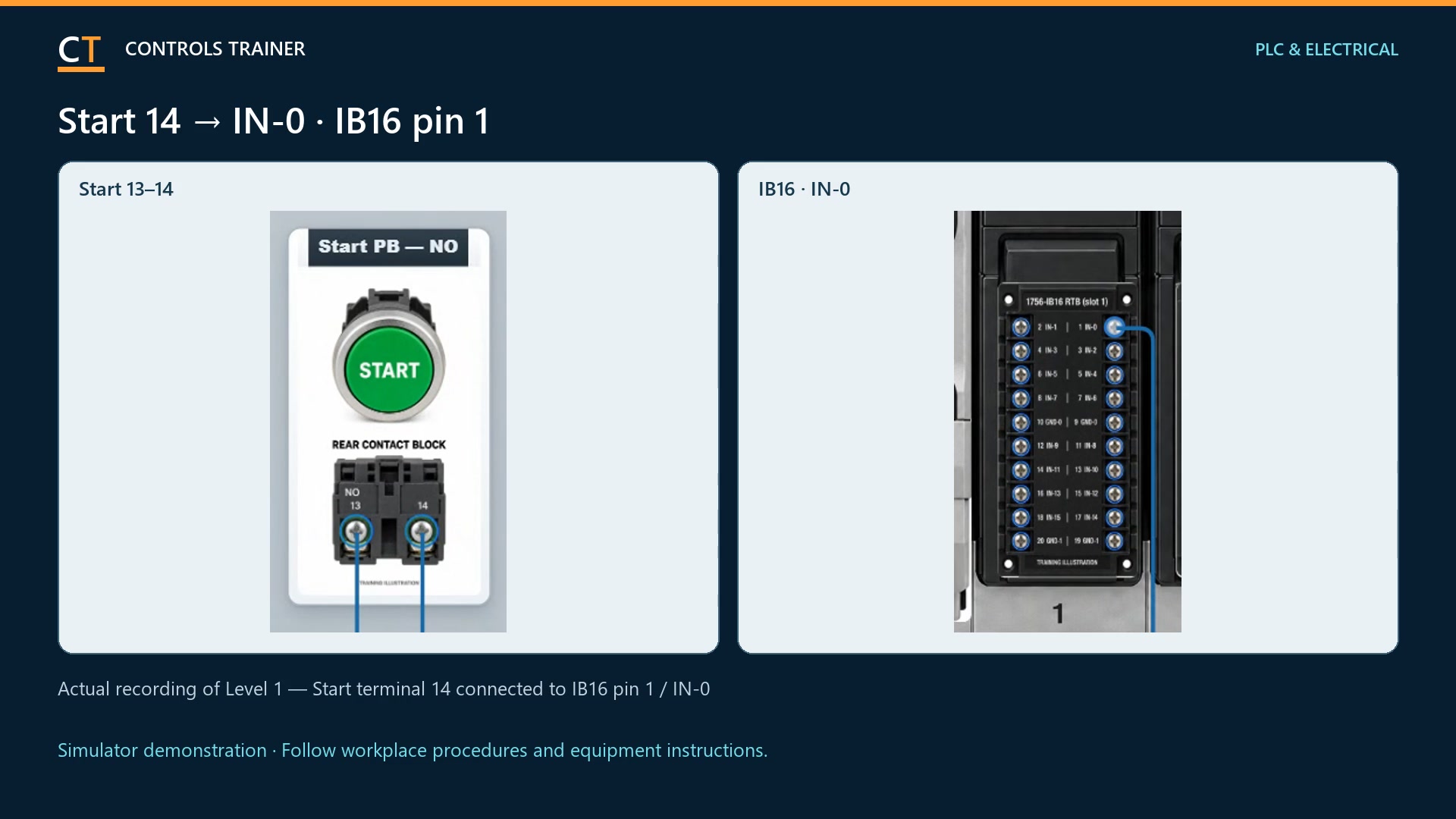
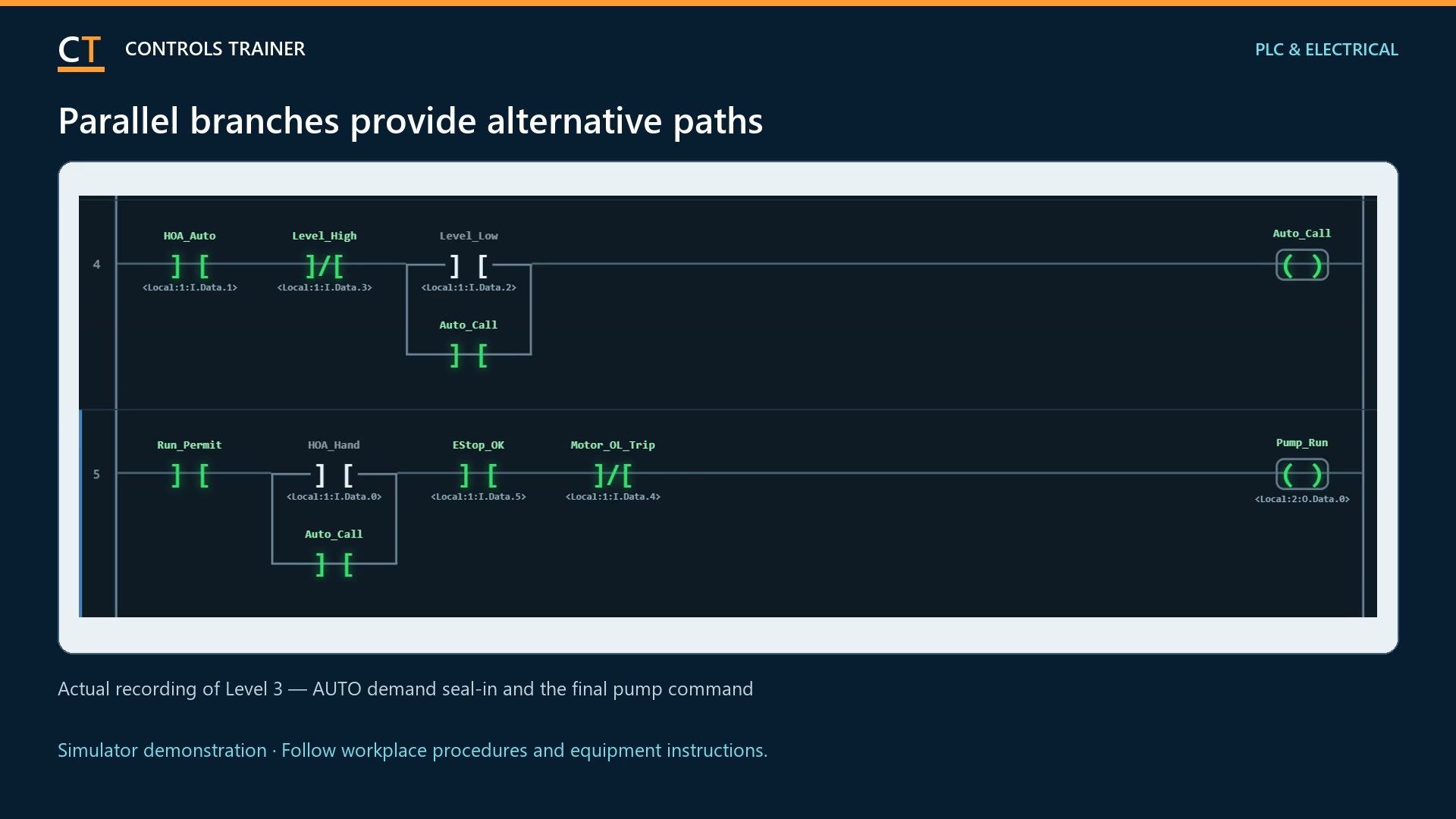
Inspect the controller input and output indications. Compare Stop, the overload trip signal and contactor feedback with the expected state. Separate a missing run permission from a run command that is present but not producing contactor feedback. A dark output is a symptom, not proof of a faulty PLC.
Select the meter function and reference
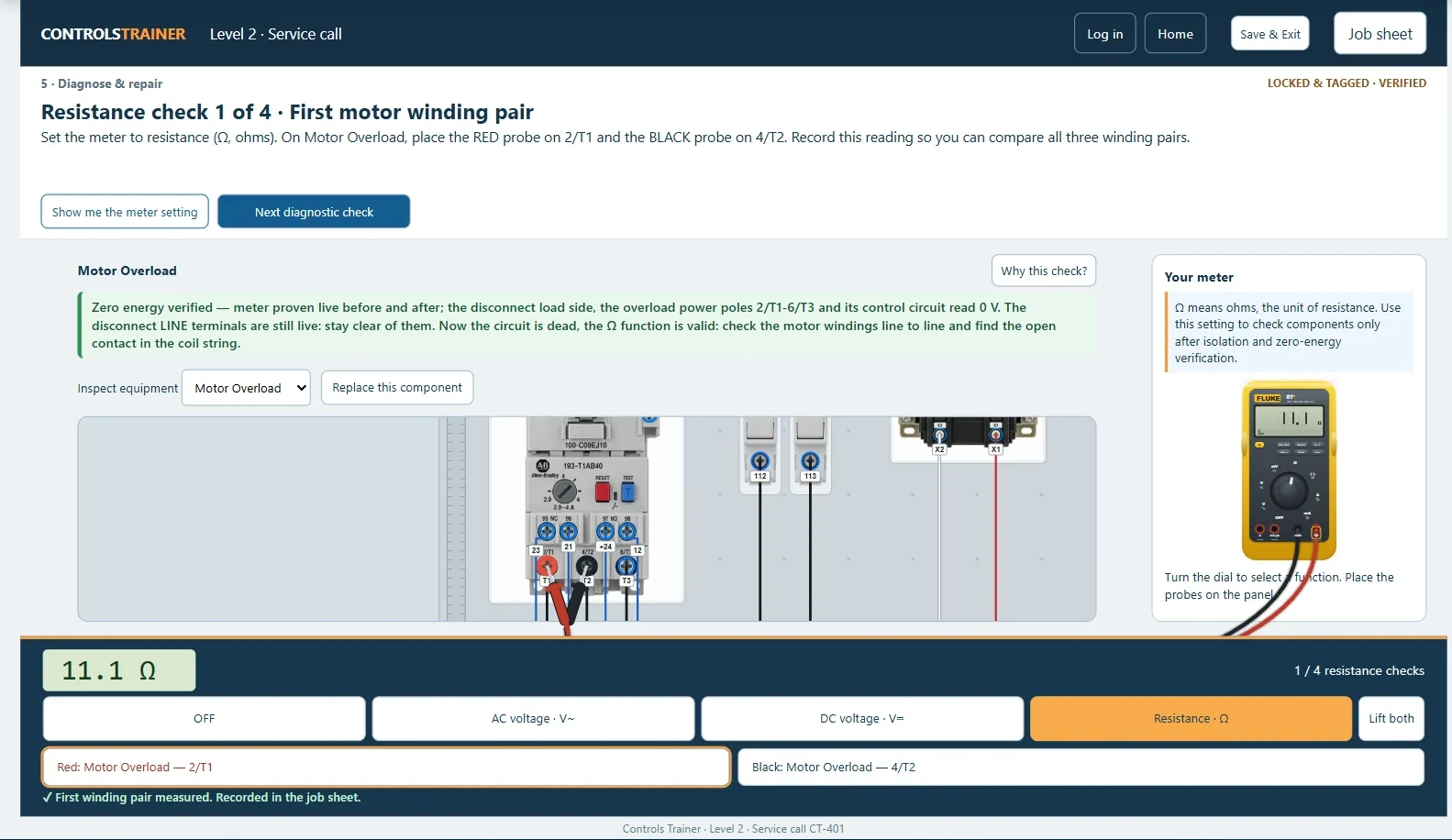
In the simulator, choose AC voltage, DC voltage or resistance to suit the displayed circuit and lesson step. Pick the black lead at COM or the red lead at VΩ, then click a device terminal. The measurement depends on both probe locations and the circuit state. A reading must be interpreted against the drawing.
Isolate before a resistance test or repair
Follow the lesson lockout and voltage-verification sequence before resistance testing or changing a component. Verify every required point and complete the tester checks. The simulator includes measurements for learning; it does not authorize energized testing on real equipment.
Use evidence to identify the failed part
Trace the suspect path with the simulated meter. Compare upstream and downstream measurements using the same reference, and use the dead-circuit checks when instructed. Select a replacement only when the readings support it. Replacing several parts at once hides the cause and does not demonstrate a diagnosis.
Restore deliberately and prove the repair
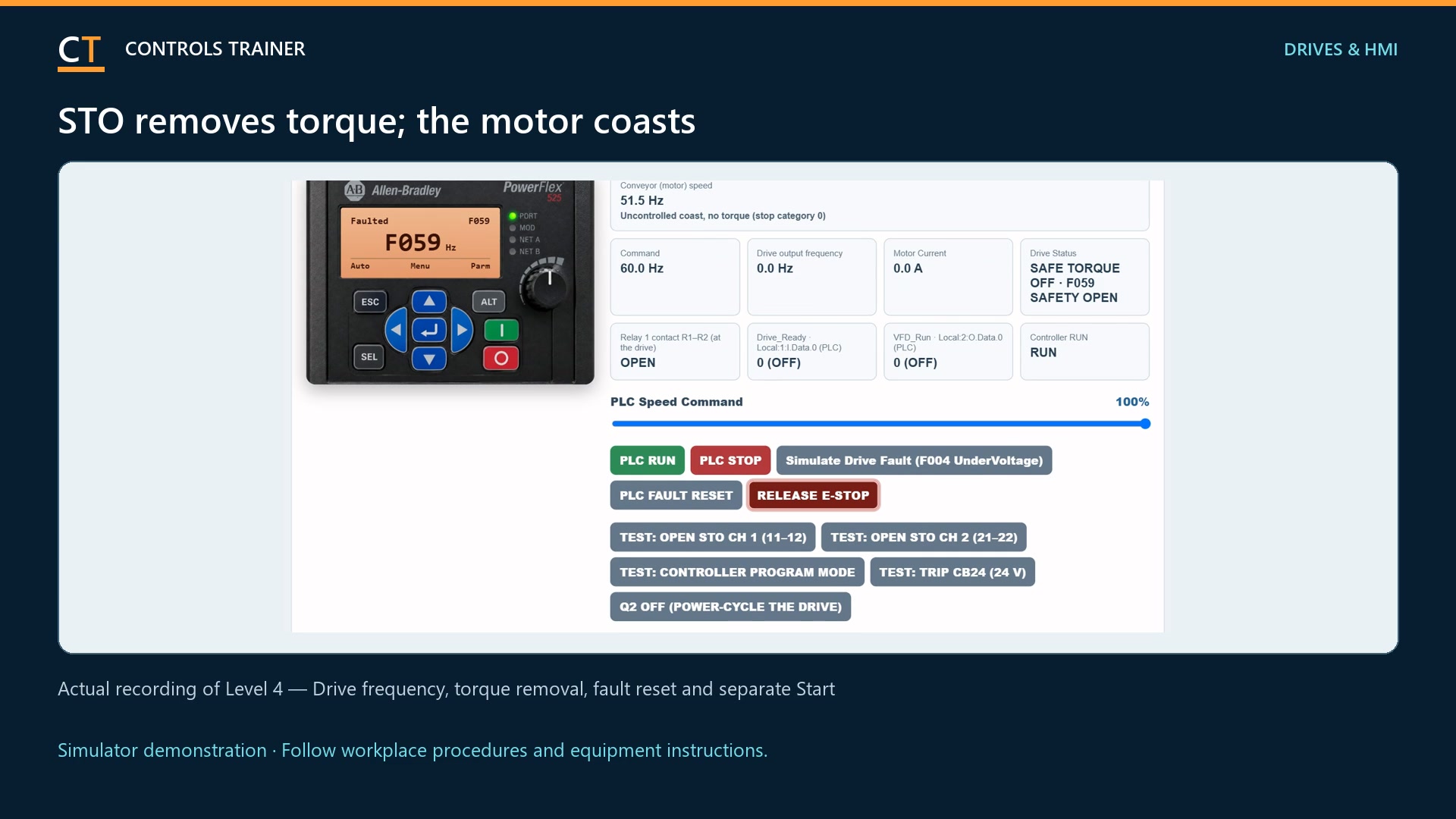
After the permitted repair, restore the lesson in its required order. Recheck the alarm, PLC I/O, contactor feedback and conveyor response. Test the specified stopping functions as well as starting. If the condition remains, return to the evidence instead of repeatedly resetting the fault.
A FEW USEFUL DISTINCTIONS
Common questions.
Is Level 2 free?
Yes. You can try the Level 2 troubleshooting exercise without an account. The simulator, meter and readings are included.
Does an output being off mean the PLC is broken?
No. The program may be withholding the output because a required input or permissive is missing. Compare the reported condition, inputs, command and physical response.
Should I measure resistance on an energized circuit?
No. This walkthrough uses resistance checks only after the required isolation and verification. Follow the simulator prompts and your workplace procedures on real equipment.
Read the full video transcript
PLC troubleshooting starts with evidence. In free Level Two, a packaging conveyor has stopped and will not restart.
Start with the operator report and the alarm on the screen. The alarm tells you what the control system detected. It does not automatically identify the failed part.
Next, compare the PLC inputs and outputs. Is Stop healthy? Does the overload report a trip? Is there a run command? Does the contactor confirm that it pulled in? A missing output can mean a missing permission, not a broken PLC.
Use the simulated meter to test the circuit. Select the correct function. Pick up the black lead at COM or the red lead at the voltage and resistance jack, then select the device terminal. Both probe positions matter.
Before resistance testing or repair, complete the lesson’s isolation and voltage-verification sequence. Prove the tester, check the required circuit points, and prove it again.
Trace the suspected path. Compare measurements with the circuit drawing. Replace only the component supported by the readings. Guessing and changing several parts does not prove the cause.
Finally, restore the simulated equipment in order. Check that the alarm clears, the contactor responds, and the conveyor starts and stops correctly.
Try the service call yourself in Level Two, free at Controls Trainer dot com. These are simulated tests; real energized work requires qualified personnel and approved procedures.
Controls Trainer is an independent educational platform. These examples supplement equipment-specific instruction and practical evaluation. Completion is not OSHA certification, an electrical license, or authorization to work on equipment.